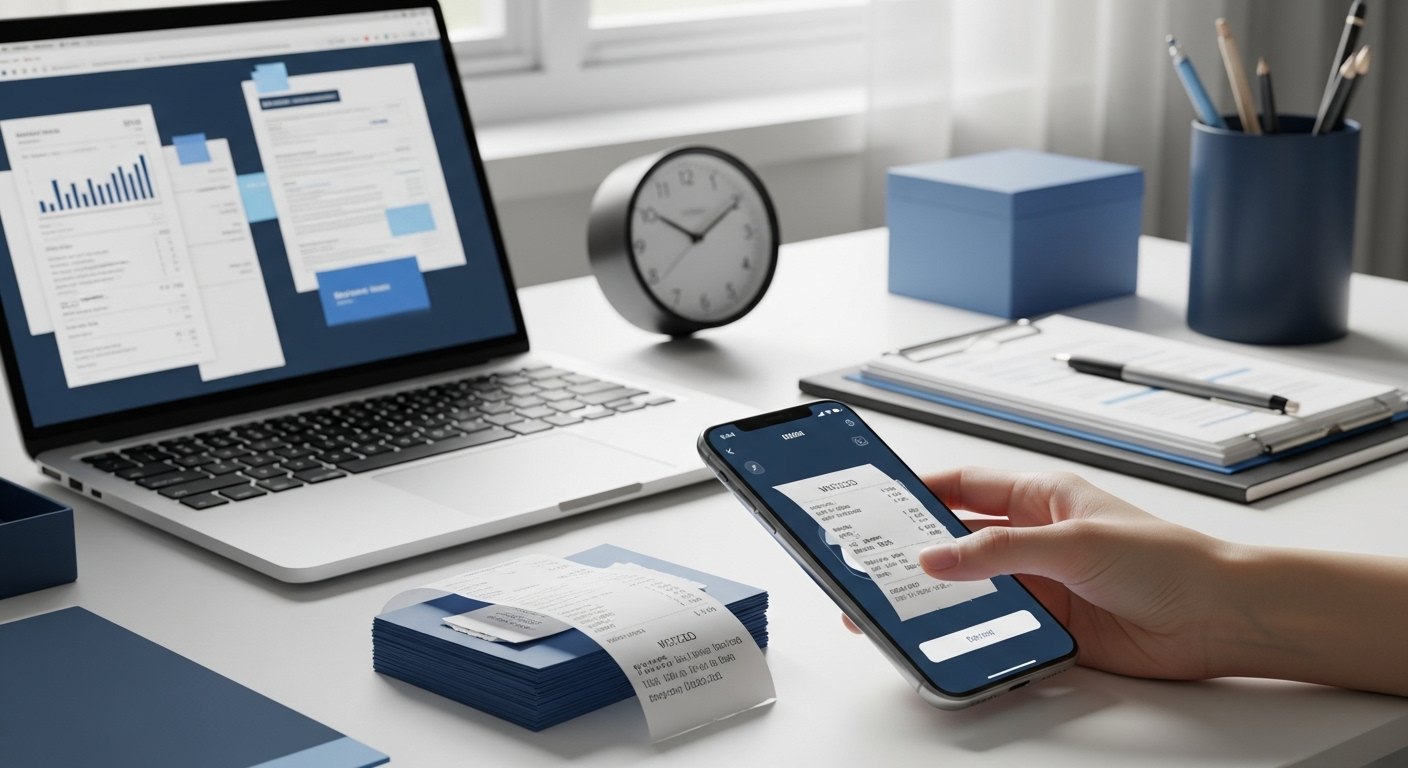
The time it takes to organise accounting receipts depends mainly on the number of documents and your process. When invoices and receipts are collected, checked and sorted manually, this can regularly take several hours. With digital solutions such as the Money Key Scanner App, you can scan and upload documents and have relevant information automatically extracted using OCR technology.
If you only have a few accounting receipts, organising them can be relatively quick. However, as invoices, receipts and other documents accumulate regularly, the administrative workload increases.
The process involves more than just sorting. Documents need to be collected, checked, assigned, digitised and then made available for accounting.
The time required depends on several factors, including:
The process becomes particularly time-consuming when paper receipts, email attachments and digital invoices are stored in different locations.
With a manual process, the workload often comes from many small administrative tasks.
For example, an invoice arrives by email. It is downloaded, saved, possibly renamed and later forwarded to accounting. Paper receipts also need to be collected or scanned.
Over weeks and months, these tasks add up.
Even more time is lost when a receipt can no longer be found or the accounting team has to request missing documents.
Centralised digital document management can therefore not only speed up the sorting process but also reduce follow-up questions and the time spent searching for documents.
OCR (Optical Character Recognition) recognises text and information within a scanned document.
When you capture an invoice using the Money Key Scanner App, OCR technology can identify relevant information from the document. This means that information does not have to be entered entirely manually for every receipt.
This reduces manual work while creating the foundation for a more structured digital process.
Especially for companies that process a large number of invoices every month, the time savings can be significant over the course of a year.
The Money Key Scanner App connects your smartphone directly to Money Key's digital document management system.
You no longer need to collect paper receipts and process them later. Simply scan them as soon as you receive them.
Invoices and other documents can be uploaded directly to Money Key, keeping all relevant documents in one central location.
The integrated OCR technology helps automatically recognise information from uploaded documents, reducing manual data entry.
By digitising receipts immediately, you reduce the risk of having to search for a missing invoice or receipt weeks later.
Documents no longer need to be constantly exchanged via email between your business and your accounting team. Centralised storage creates a clearer and more organised process.
You can capture receipts wherever you are, for example, immediately after a business meeting or purchase.
When documents are complete and digitally available, less time is spent searching for missing information. This makes collaboration between your business and your accounting team more efficient.
The Money Key Scanner App has been updated and redesigned. The new version offers an improved user interface and easier navigation for everyday use.
The app is available on both the Apple App Store and Google Play Store.
This allows iPhone and Android users to digitise their accounting receipts directly using their smartphones and upload them to Money Key.
How long it takes to organise accounting receipts largely depends on how your business manages its documents.
With manual processes, collecting, sorting, searching for and forwarding documents can quickly take several hours. A digital process reduces many of these individual tasks.
With the Money Key Scanner App, you can scan invoices and receipts directly using your smartphone, upload them to Money Key and have relevant information recognised through OCR technology.
This way, your documents get where they need to be – without piles of paperwork or unnecessary back-and-forth.
Schedule a free consultation with us to learn more about Money Key and discover how the platform can simplify your document management. Alternatively, start the onboarding process directly to gain access to the platform.
Schedule a Free Consultation | Start Onboarding